


.png)

Most british and international e-commerce companies face costly mistakes when tracking conversions, often missing up to 20% of vital customer data. Accurate tag implementation is critical for marketing success, especially with ever-changing privacy rules in countries like Canada, Germany, and the United States. This guide highlights practical ways to use Google Tag Assistant with server-side solutions to achieve reliable analytics, robust compliance, and a clearer view of your true return on ad spend.
Table of Contents
- What Is Google Tag Assistant And Why Use It
- Client-Side Versus Server-Side Tagging Explained
- Key Features Of Tag Assistant For Marketers
- Integrating With Shopify, WooCommerce, Magento
- GDPR Compliance And Data Privacy Considerations
- Common Mistakes And Best Practices For Agencies
Key Takeaways
| Point | Details |
|---|---|
| Google Tag Assistant | This tool is essential for verifying and troubleshooting tracking implementations, ensuring accurate data collection for marketing analytics. |
| Client-Side vs Server-Side Tagging | Understanding the differences between these approaches is crucial; server-side tagging enhances data privacy and reduces performance issues. |
| GDPR Compliance | Google Tag Assistant aids in implementing consent-driven tracking strategies, ensuring compliance with data privacy regulations like GDPR. |
| Best Practices for Agencies | Agencies should prioritise thorough tagging management, including preview testing and regular audits, to maintain data integrity and avoid common pitfalls. |
What Is Google Tag Assistant And Why Use It
Google Tag Assistant is a powerful diagnostic tool designed to help e-commerce marketing professionals verify and troubleshoot their website’s tracking implementation. Developed by Google, this Chrome browser extension provides real-time insights into how tags are functioning across digital platforms, ensuring accurate data collection for marketing and analytics purposes.
At its core, the tool helps identify issues with Google tag implementations by performing comprehensive scans of your website’s tracking configuration. It checks for critical problems like missing tracking codes, improperly configured tags, and potential data collection interruptions that could compromise your marketing analytics. For e-commerce businesses relying on precise conversion tracking, these insights are invaluable in maintaining data integrity and making informed marketing decisions.
The primary features of Google Tag Assistant include real-time validation of tags, detailed error reporting, and the ability to diagnose complex tracking scenarios across multiple platforms. Marketers can quickly understand whether their Google Analytics, Google Ads, and Tag Manager implementations are working correctly, which helps prevent data loss and ensures accurate performance measurement. By providing immediate feedback on tag firing sequences and potential configuration errors, the tool empowers marketing teams to resolve tracking issues before they impact campaign performance.
Pro tip: Always run a comprehensive tag audit using Google Tag Assistant before launching any new marketing campaign to ensure 100% tracking accuracy and prevent potential data collection gaps.
Client-Side Versus Server-Side Tagging Explained
In the complex world of digital tracking, e-commerce businesses must understand the fundamental differences between client-side and server-side tagging approaches. Client-side tagging traditionally involves executing tracking scripts directly within a user’s web browser, which has been the standard method for collecting website analytics and user interaction data for many years.
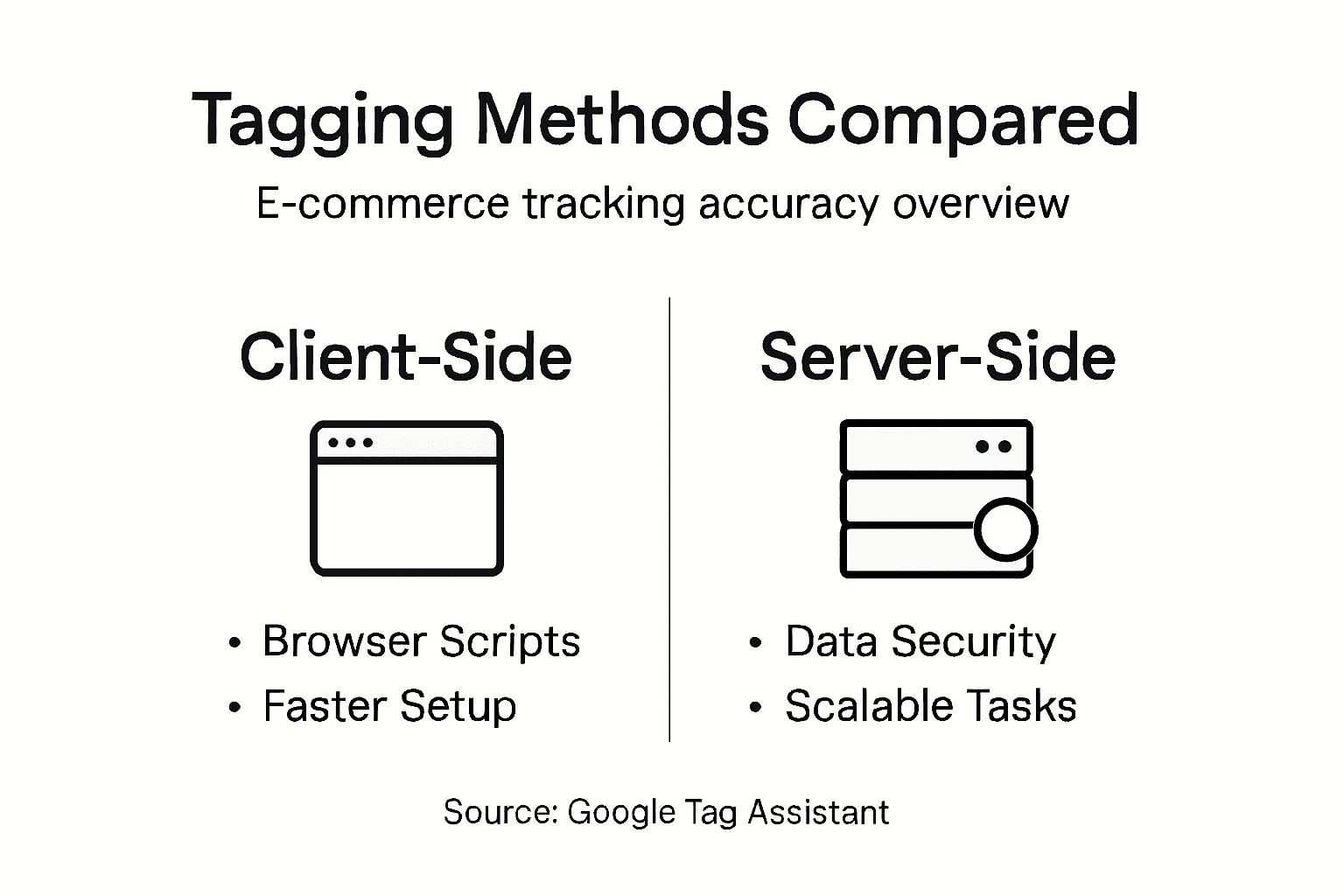
Server-side tagging represents a more advanced approach, where data processing occurs on a server rather than in the user’s browser. This method offers significant advantages, including enhanced data privacy, reduced browser performance impact, and improved compliance with stringent data protection regulations. By moving tag execution from the client’s device to a controlled server environment, businesses can gain greater control over their tracking mechanisms and mitigate potential data leakage risks.
The key differences between these approaches extend beyond technical implementation. Client-side tagging is typically more straightforward to set up but can be vulnerable to ad blockers, browser limitations, and performance issues. In contrast, server-side tagging provides more robust tracking capabilities, allowing for more sophisticated data collection and processing strategies. E-commerce platforms can benefit from server-side tagging by creating more secure, reliable, and comprehensive tracking systems that adapt to evolving privacy standards and technological constraints.
Pro tip: Consider implementing a hybrid tagging approach that combines both client-side and server-side methods to maximise tracking accuracy while maintaining user privacy and performance.
Here’s a concise comparison of client-side and server-side tagging for e-commerce sites:
| Aspect | Client-Side Tagging | Server-Side Tagging |
|---|---|---|
| Data Processing | In the user’s browser | On a remote, secure server |
| Privacy Control | Limited, user device dependent | High, centralised management |
| Impact from Ad Blockers | Significant, often blocked | Minimal, less affected |
| Technical Complexity | Easy to implement | More advanced setup required |
| Data Accuracy | Can be affected by browser settings | Greater reliability and precision |
Key Features Of Tag Assistant For Marketers
Google Tag Assistant offers a comprehensive suite of diagnostic features designed to empower e-commerce marketing professionals with unprecedented insights into their website’s tracking infrastructure. By providing granular visibility into tag performance, the tool enables marketers to diagnose and resolve tracking challenges with remarkable precision and efficiency.

One of the most powerful capabilities is the tool’s ability to provide detailed debugging capabilities, including a side-panel view that displays all currently firing tags. This feature allows marketers to conduct real-time investigations of their tracking implementation, identifying potential configuration issues, missing tags, or unexpected data collection problems before they impact marketing analytics. The debug mode provides an intricate flow of tag interactions, revealing exactly how and when different tracking scripts are executed across web pages.
Beyond basic tag monitoring, Tag Assistant includes advanced features like detecting tags within iframes, which is particularly crucial for complex e-commerce websites with multiple embedded content elements. Marketers can also export and import debug sessions, facilitating collaborative troubleshooting and enabling more sophisticated tracking strategy development. These capabilities transform Tag Assistant from a simple diagnostic tool into a strategic platform for ensuring data accuracy and marketing performance optimisation.
Pro tip: Regularly use Tag Assistant’s debug mode to perform comprehensive tag audits, capturing and resolving tracking inconsistencies before they impact your marketing data integrity.
Integrating With Shopify, WooCommerce, Magento
E-commerce platforms like Shopify, WooCommerce, and Magento each present unique challenges and opportunities for implementing comprehensive tracking solutions through Google Tag Assistant. Understanding the nuanced integration strategies for these platforms is crucial for marketing professionals seeking to maximise data collection and analytics precision.
For WooCommerce users, advanced tracking integration becomes streamlined through specialised plugins that support comprehensive e-commerce funnel monitoring. These solutions enable detailed event tracking across complex product configurations, including variable products and intricate checkout processes. Marketers can leverage pre-configured GTM presets that simplify the implementation of sophisticated tracking mechanisms, capturing critical user interactions such as add-to-cart events and complete purchase transactions.
Shopify merchants benefit from a similarly robust integration approach, which centralises marketing and analytics tag management. By implementing Google Tag Manager, online stores can achieve more flexible and dynamic tracking capabilities without requiring extensive technical modifications. The container-based setup allows for rapid tag updates, enhanced event tracking, and improved insights into user interactions, ultimately enabling more sophisticated marketing strategy development and performance analysis.
Pro tip: Select platform-specific Google Tag Manager plugins that offer pre-configured tracking templates to minimise configuration complexity and accelerate your analytics implementation.
GDPR Compliance And Data Privacy Considerations
E-commerce businesses face increasingly complex data privacy challenges, requiring sophisticated tracking solutions that balance accurate marketing insights with stringent regulatory requirements. Google Tag Assistant emerges as a critical tool for navigating these intricate compliance landscapes, offering robust mechanisms to protect user data while maintaining essential marketing analytics capabilities.
The platform provides comprehensive privacy-focused tagging features that enable businesses to implement consent-driven tracking strategies. These capabilities include advanced consent mode configurations, which allow websites to respect individual user privacy preferences while still gathering essential performance metrics. Server-side tagging further enhances data protection by processing tracking information in controlled server environments, reducing exposure of sensitive user information during data collection processes.
Moreover, Google Tag Assistant supports detailed audit trails and permission management, enabling marketing teams to demonstrate regulatory compliance proactively. By offering granular controls over tag deployment, user consent tracking, and data processing, the tool helps organisations meet complex requirements such as GDPR, ensuring that every tracking interaction is transparent, consensual, and respectful of user privacy rights. This approach transforms data collection from a potential legal liability into a trust-building mechanism that prioritises user agency and data protection.
Pro tip: Implement multi-layered consent management strategies that provide users with clear, granular options for data sharing while maintaining comprehensive tracking capabilities.
Common Mistakes And Best Practices For Agencies
Marketing agencies navigating Google Tag Manager face complex challenges in maintaining precise and reliable tracking configurations. Understanding the most prevalent pitfalls is crucial for delivering high-quality analytics solutions that meet client expectations and regulatory standards.
Agencies must prioritise comprehensive tag management strategies that minimise potential tracking errors. Common mistakes include publishing configurations without thorough preview testing, using inconsistent container configurations, and implementing poorly configured trigger mechanisms. These errors can significantly compromise data integrity, leading to inaccurate marketing insights and potentially costly misinterpretations of user behaviour.
Effective implementation requires a systematic approach focused on structured naming conventions, rigorous version control, and collaborative workflows between developers and marketing professionals. Best practices involve establishing clear measurement frameworks, implementing granular access controls, and maintaining lean, organised tag configurations. Agencies should develop robust auditing processes that regularly review and validate tracking setups, ensuring continuous alignment with evolving digital marketing requirements and privacy regulations.
Below is a summary of best practices for agency tag management success:
| Practice | Essential Benefit | Typical Risk If Ignored |
|---|---|---|
| Preview testing | Prevents broken configurations | Data loss or misreporting |
| Naming conventions | Enables clear collaboration | Confusing tag structure |
| Version control | Facilitates quick rollbacks | Difficult error tracking |
| Regular auditing | Ensures compliance and accuracy | Undetected tracking failures |
| Access controls | Protects sensitive configurations | Unauthorised tag changes |
Pro tip: Create a standardised tag management checklist that includes pre-publication testing protocols, naming convention guidelines, and mandatory review stages to maintain consistent tracking quality across all client projects.
Enhance Your E-Commerce Tracking Accuracy with AdPage
Accurate tracking is crucial for e-commerce professionals who rely heavily on pinpointing every conversion and user interaction. If you struggle with incomplete data collection due to browser limitations or complicated tag management, Google Tag Assistant highlights those pressing challenges clearly. The article emphasises the importance of server-side tagging, robust consent management, and seamless integration to overcome issues like ad blockers and privacy regulations. With such complexities, your marketing decisions can only be as good as the data you collect.

Discover how AdPage transforms your tracking setup with advanced server-side tagging solutions tailored for platforms like Shopify, WooCommerce, and Magento. Benefit from 100 percent conversion monitoring and GDPR-compliant consent management that ensure your marketing analytics never miss a beat. Take control of your data integrity and elevate your campaign performance today by exploring AdPage’s powerful features designed specifically for marketing agencies and e-commerce marketers focused on optimised conversion tracking.
Frequently Asked Questions
What is Google Tag Assistant and how can it benefit my e-commerce site?
Google Tag Assistant is a diagnostic tool that helps verify and troubleshoot website tracking implementation. It can identify issues like missing tracking codes and improperly configured tags, ensuring accurate data collection for marketing and analytics.
How does client-side tagging differ from server-side tagging?
Client-side tagging runs tracking scripts in the user’s browser, while server-side tagging processes data on a remote server. Server-side tagging offers better data privacy, reduced browser performance impact, and improved compliance with data protection regulations.
What are the key features of Google Tag Assistant for marketers?
Key features include real-time validation of tags, detailed error reporting, debug capabilities showing firing tags, and the ability to detect tags within iframes. These features allow for comprehensive audits and enhanced tracking accuracy.
How can Google Tag Assistant assist with GDPR compliance?
Google Tag Assistant supports privacy-focused tagging features that allow businesses to implement consent-driven tracking. It helps manage user consent, ensuring that data collection processes comply with GDPR and other regulations.